Many businesses assume that a small, little known website will not attract attention. In reality, most attacks do not target a specific website at all. They are carried out using automated scanning tools that search for vulnerable websites at scale, regardless of size or industry. A website running popular open source software without the latest security patches, or protected by a weak admin password, can easily become an easy target.
Common attack methods today include denial of service attacks, malware injection to seize control of a site, and exploiting web application vulnerabilities to steal data. Each method leaves behind different signs on a website. Some are visible at a glance, while others can only be found through technical inspection. The next section walks through each group of warning signs in detail, helping businesses check them against the current state of their own website.
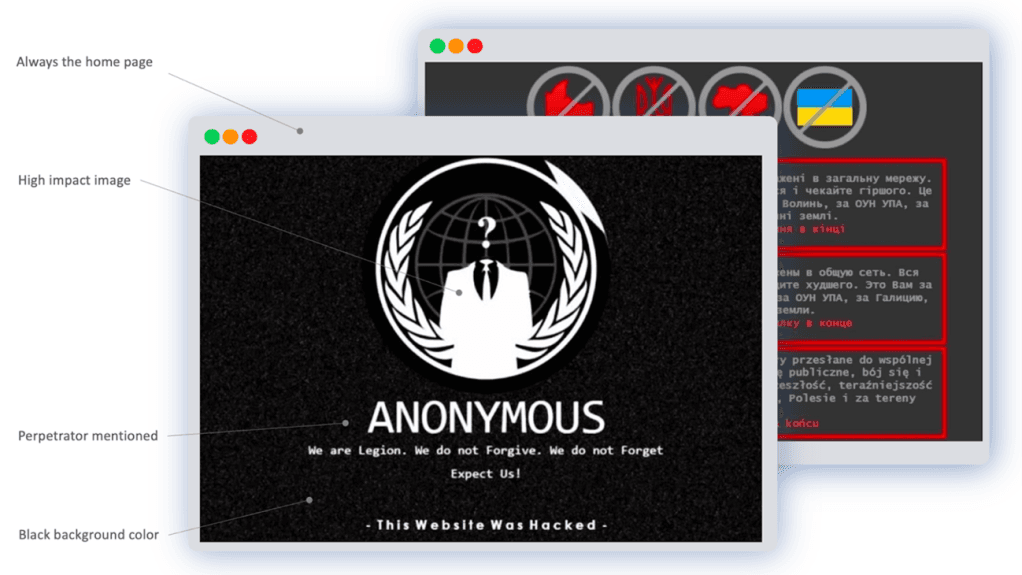
One of the easiest signs of a website attack to spot is when the homepage or subpages change without anyone on the operations team making that change. Unfamiliar ads, unrelated links, or destructive messages may be inserted into the content. Fonts, colors, or page layout can also change suddenly, which is usually a sign that the website's admin access has been compromised.
When a user clicks a link on your website but ends up on a completely different domain, this is a sign of a redirect attack. In some cases, the compromised page keeps refreshing itself, trapping users and preventing normal use. This technique is often triggered only for traffic coming from search engines, which makes it difficult for administrators to detect if they only check the site through direct visits.
Visitors may report seeing popup ads unrelated to your business, or content that looks like a scam appearing when they open the site. This indicates that malicious ad code has been injected into the website, typically in the form of a popup or pop under, which directly hurts the user experience and brand reputation.

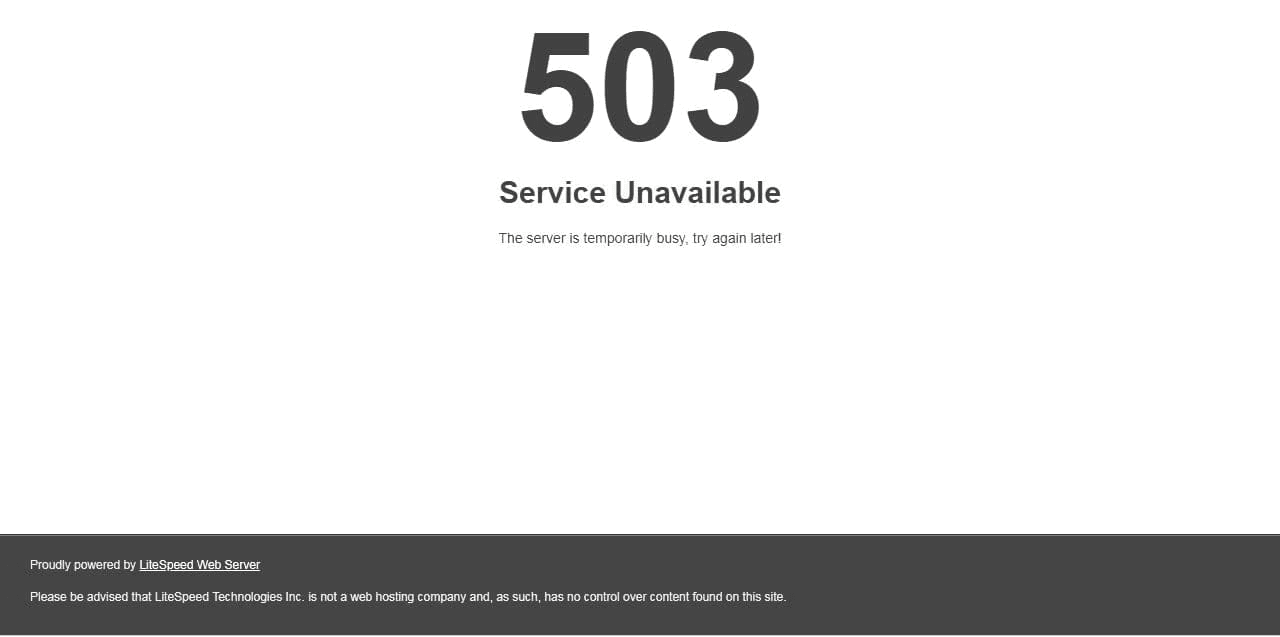
If your website suddenly slows down, freezes, or becomes inaccessible with no obvious cause such as maintenance or an infrastructure upgrade, this could be a sign of a distributed denial of service (DDoS) attack. A DDoS attack overwhelms the server with a massive volume of fake traffic, preventing real users from accessing the website.
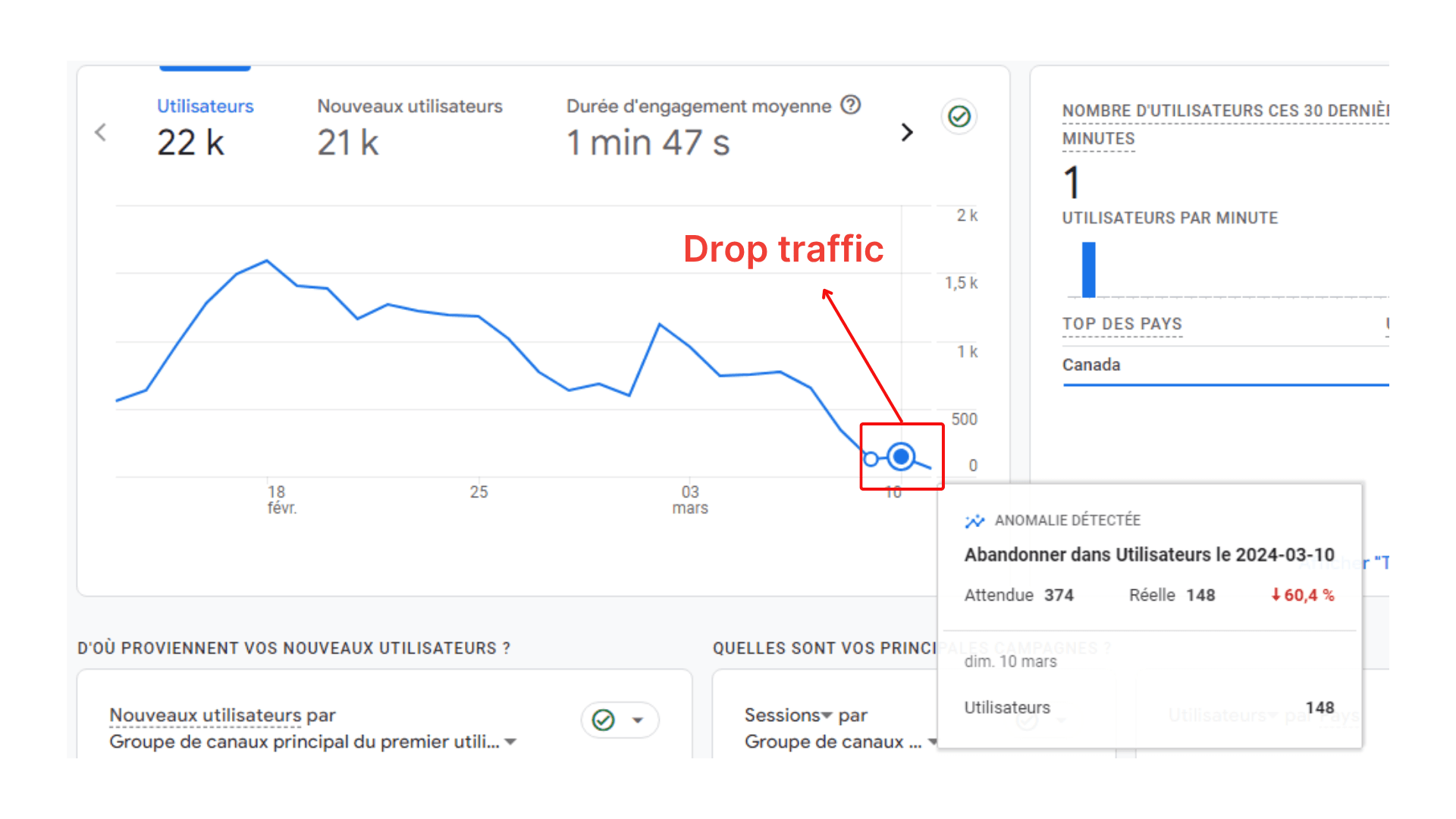
A sudden traffic surge from an unfamiliar country, concentrated on pages that did not previously exist, is usually a sign that spam pages have been injected into the website in bulk. On the other hand, if traffic drops sharply for no clear reason, the website may have had its visibility restricted by search engines after malicious content was detected. Both patterns should be checked immediately in your traffic analytics tool to identify the exact cause.
Rather than reacting each time service disruptions recur, businesses should proactively strengthen the defense layer for their web infrastructure. Deploying WAF Free VNETWORK provides a basic, completely free layer of protection that classifies incoming traffic, helps prevent DDoS attacks, and filters out vulnerability exploitation risks before traffic ever reaches the origin server.
Some attacks leave the main interface untouched and instead quietly inject thousands of pages in other languages into the website. These pages are later indexed by search engines and appear in search results. Businesses can check this by using the site search operator with their domain on Google to see whether any unfamiliar pages exist outside the content they have actually published.
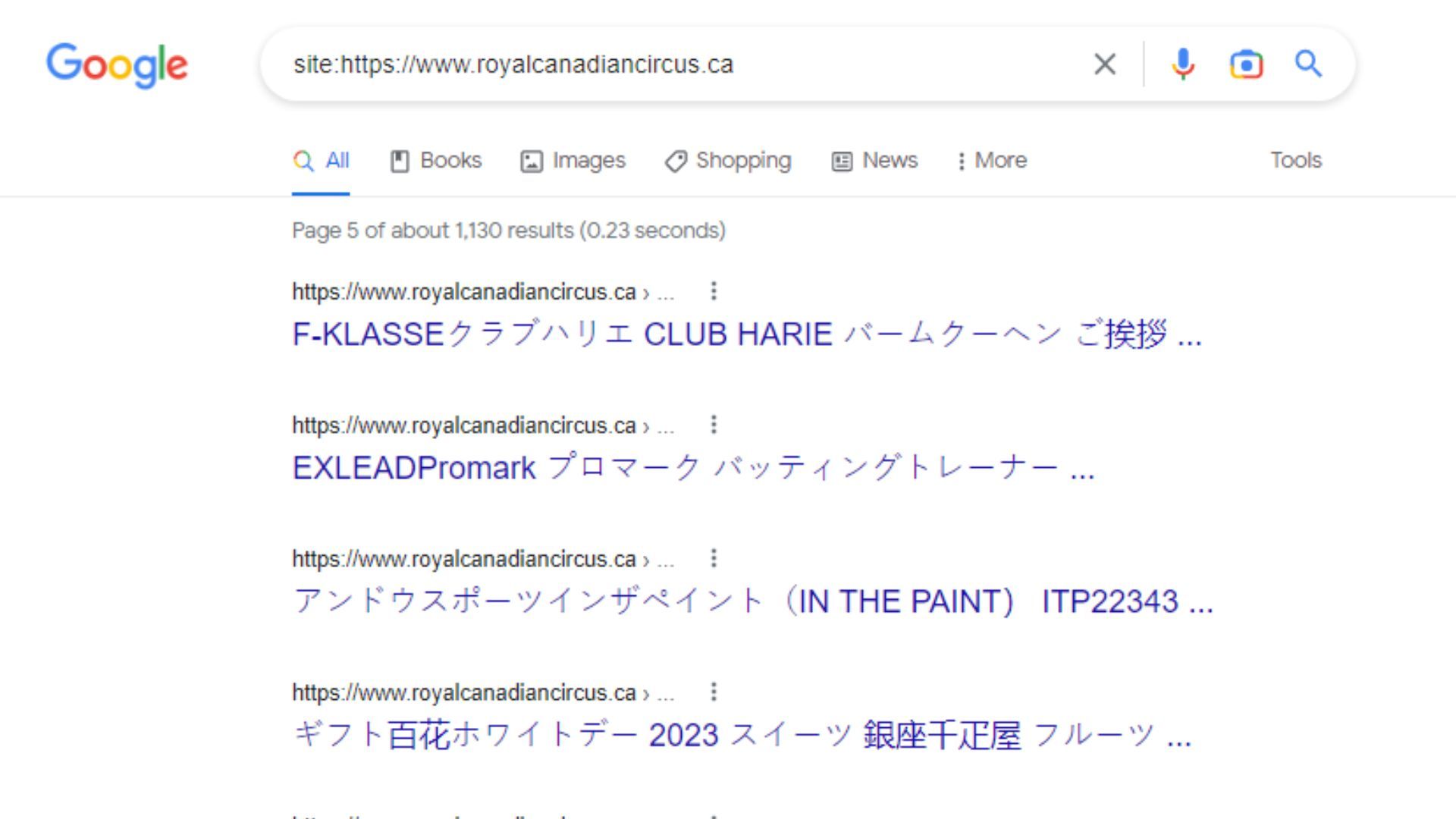
If the meta description shown in your own search results contains keywords unrelated to your business, this is a sign that your website has been exploited to manipulate search rankings. This directly damages brand credibility in the eyes of customers researching your business.
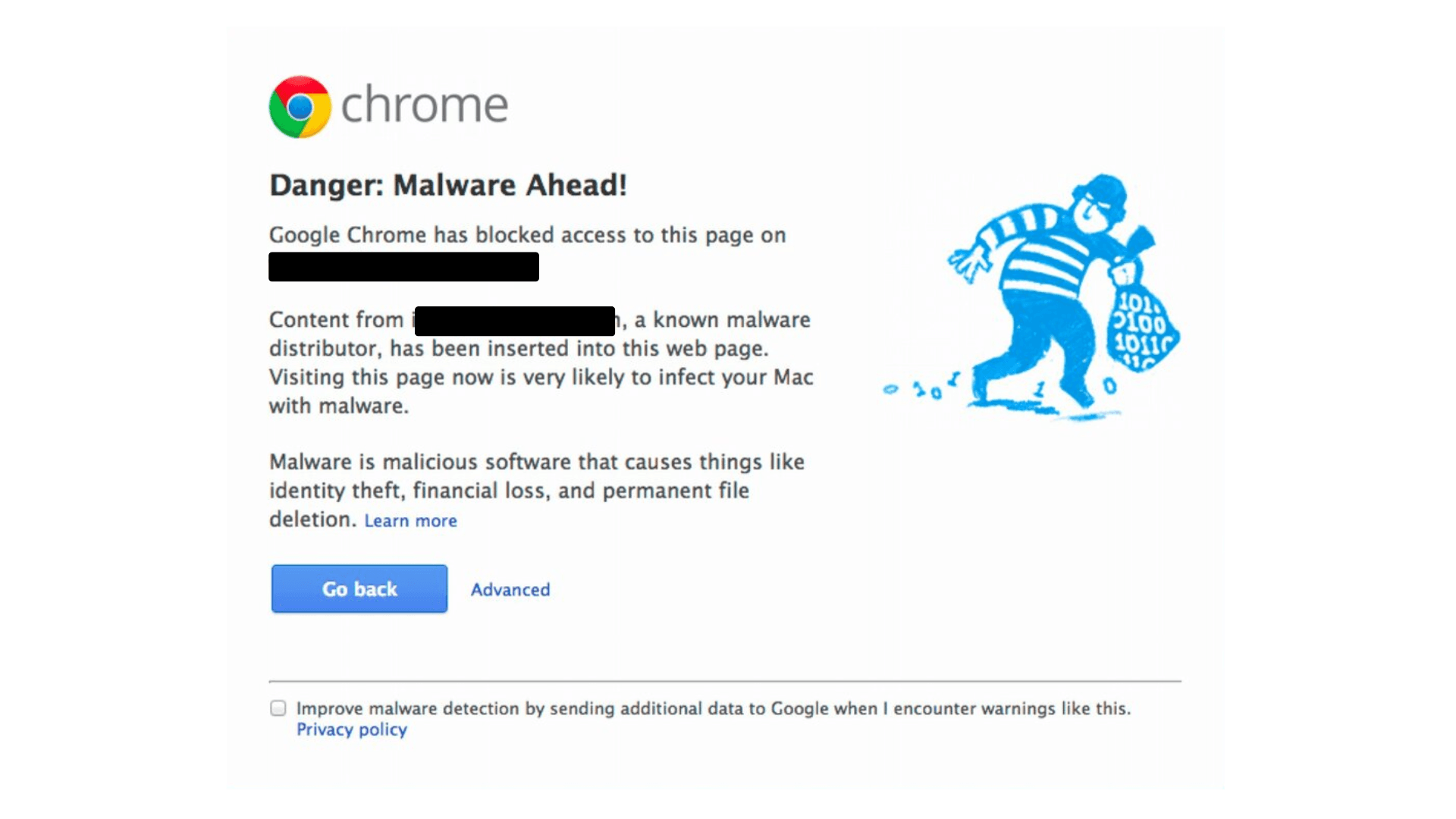
When a browser displays an unsafe website warning, or the site is removed from search results, this is a clear sign that a search engine has detected malware or malicious content on the website. Businesses need to act quickly, since this directly affects their ability to reach customers through organic search.
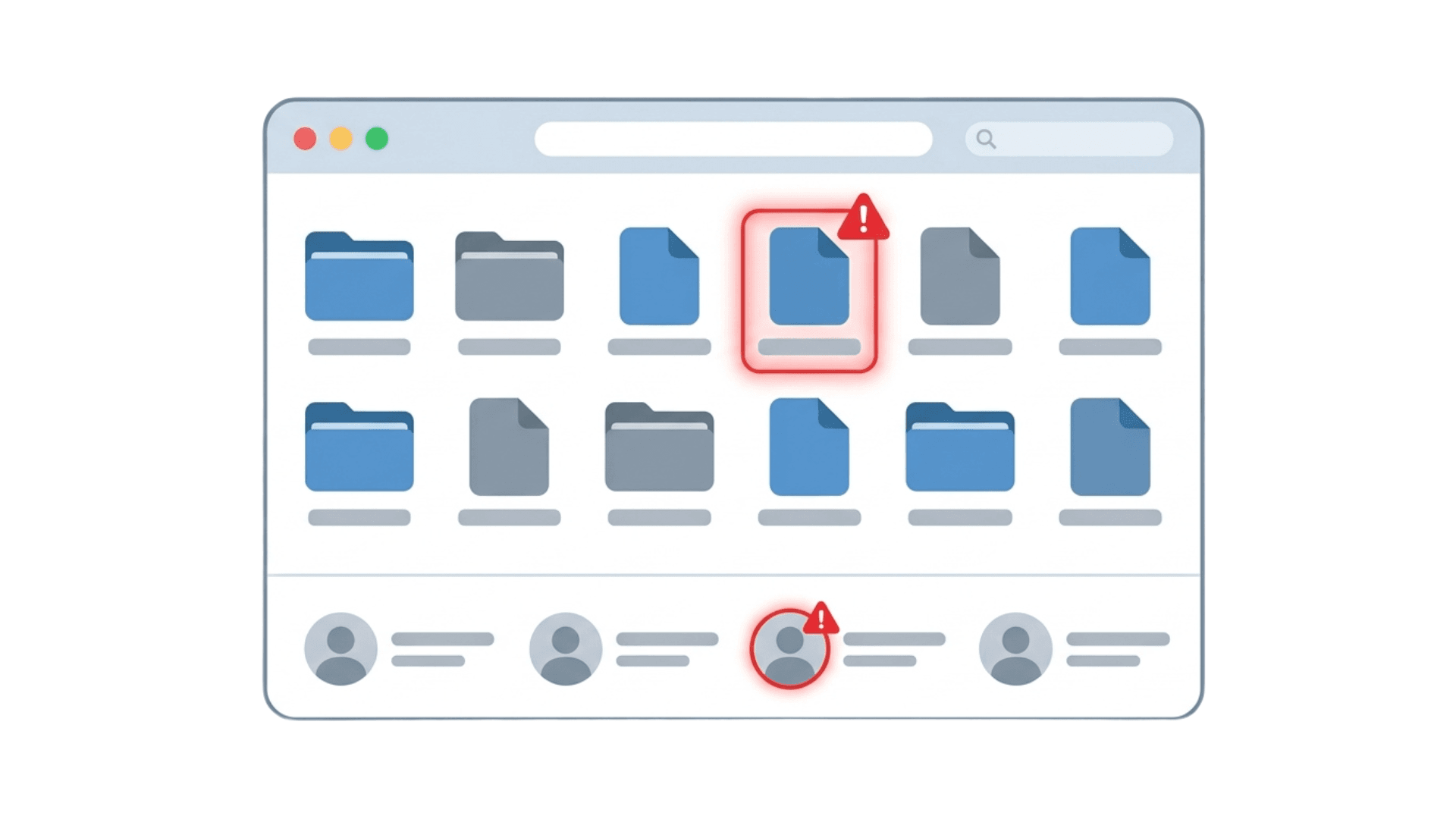
Checking your file management system may reveal unfamiliar files that the operations team never uploaded, which usually signals that a website security vulnerability has been exploited to plant a backdoor for long term access. In addition, if a new admin account appears from an unknown source, or an administrator can no longer log in with their usual credentials, the password has most likely been changed by the attacker.
If the website's server is exploited to send bulk spam email, the company's email system can end up on a blacklist maintained by email service providers. As a result, even legitimate emails sent to partners or customers may get flagged as spam, directly disrupting business communication.
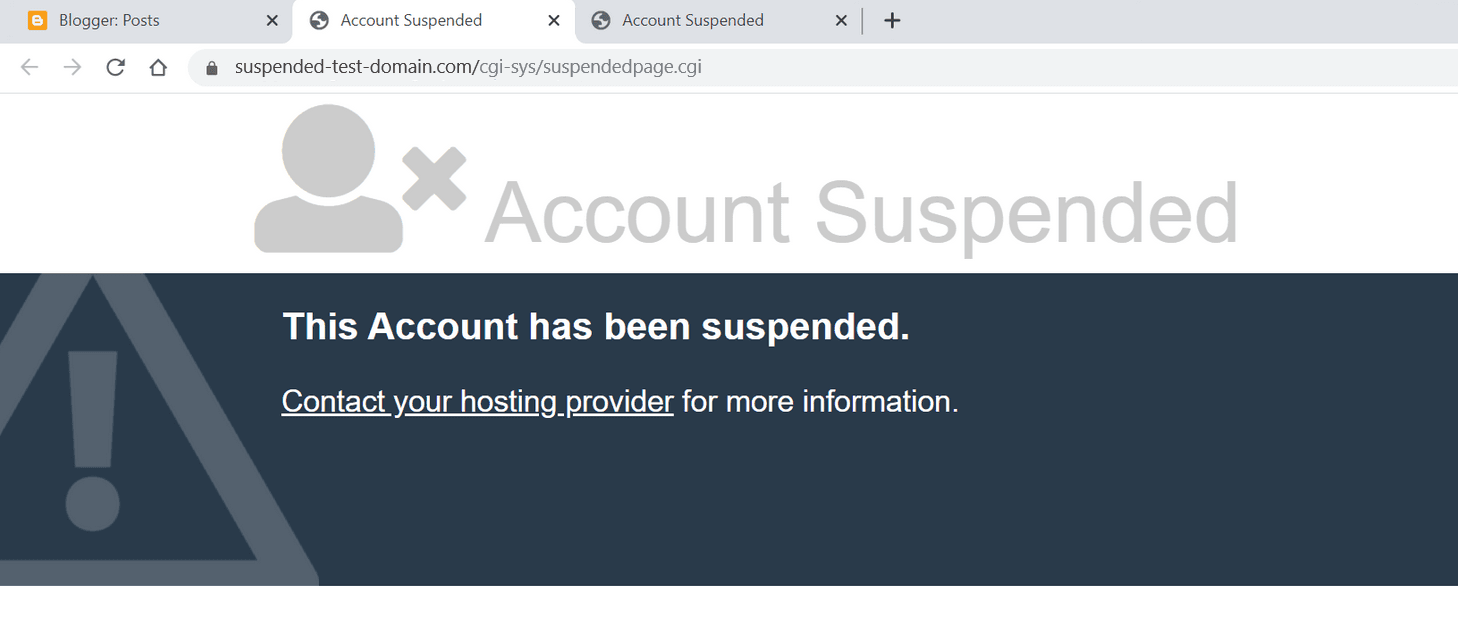
Hosting providers routinely monitor resource usage and unusual activity on their servers. If a website consumes abnormal amounts of resources or shows signs of distributing malware, the provider may proactively issue a warning or suspend the site to protect other websites sharing the same infrastructure.
Once one or more of these warning signs appear, responding quickly and following the right process is what determines whether the damage can be contained. Businesses should immediately follow these four emergency response steps:
Most of the warning signs listed above occur because the website has no layer to filter malicious traffic before it reaches the origin server. WAF Free is a free web application firewall provided by VNETWORK, designed to help businesses proactively block attacks at the network layer before they can reach and harm the website.
WAF Free VNETWORK provides the full set of core protection features a live website needs, including:
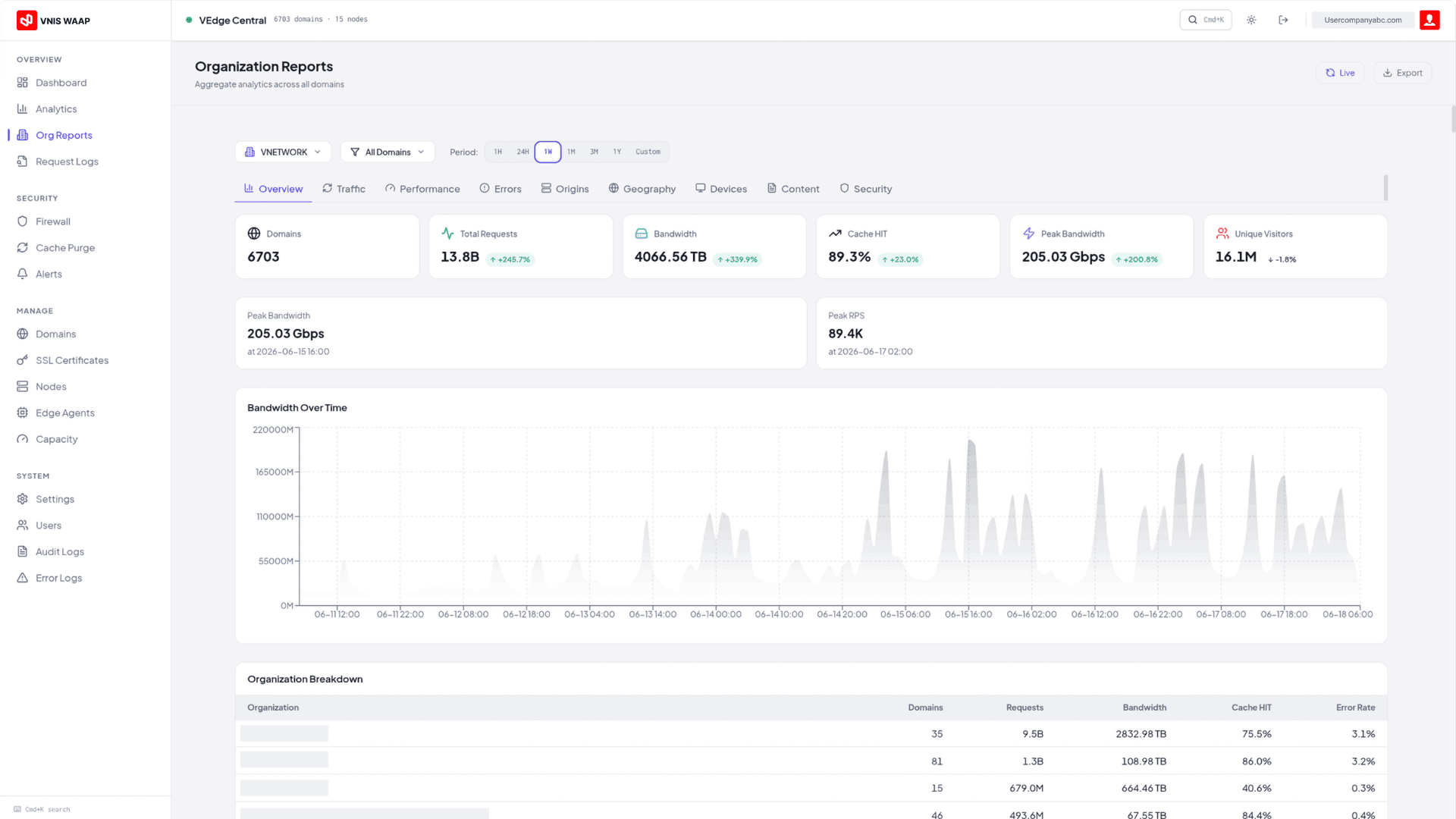
For businesses without a budget for dedicated security infrastructure, WAF Free can be deployed quickly without requiring a specialized technical team, making it suitable for both regular websites and e-commerce sites that need to protect transaction data. This is the first step toward proactive prevention, rather than simply cleaning up after a website has already been attacked.
The most reliable approach is to cross check several signs at once, for example a performance drop combined with unfamiliar files appearing on the system, rather than relying on a single sign alone. If you suspect an attack, use a malware scanning tool or contact a security provider to check the server logs and pinpoint the exact cause.
Yes. Most attacks are carried out by automated scanning tools that target security vulnerabilities regardless of how much traffic a site gets. A low traffic website can actually go unnoticed for even longer, since its owner checks it less often, giving malware more time to sit undetected and cause damage.
This is the result of an attack technique that injects large numbers of spam pages into a website. Search engines then index these pages, and they appear in place of, or alongside, the site's real content. Businesses need to review the entire sitemap, remove the unfamiliar pages, and then request that the search engine recrawl the site so the results are updated correctly.
You need to regularly update your source code, plugins, and themes to the latest versions to patch known vulnerabilities, and use strong passwords combined with two factor authentication on every admin account. In addition, deploying a malicious traffic filtering layer up front stops attacks before they reach the website, rather than only dealing with them after an incident has already occurred.
A WAF focuses on blocking attacks at the network and application layers, such as DDoS, SQL injection, XSS, and traffic from malicious botnets, which are the root cause of most of the signs described in this article. That said, some issues related to account management or software updates still require businesses to actively handle them in parallel to achieve complete protection.