
1. What is DNS?
DNS (Domain Name System) is the system that translates human readable domain names such as www.vnetwork.vn into numerical IP addresses that computers can understand, for example 203.113.xxx.xxx.

Simply put, DNS works like the Internet’s phone book:
- Humans remember domain names
- Computers communicate using IP addresses
- DNS acts as the translator between the two
Without DNS, users would have to remember long and complex IP address strings every time they wanted to access a website.
2. What does the Domain Name System do?
The Domain Name System enables the Internet to function smoothly through several core roles:
- Resolving domain names to the correct IP addresses: DNS converts easy to remember domain names such as www.vnetwork.vn into numerical IP addresses that computers can process. This allows browsers to know exactly which server to connect to in order to load website content.
- Helping browsers locate the correct hosting server: Each website is hosted on one or more servers. DNS acts as a locator, guiding browsers to the server that manages the requested domain and preventing incorrect connections or missing data.
- Improving access speed through caching mechanisms (cache memory): DNS can temporarily store resolution results for a defined period. When users revisit the same website, the system can respond immediately without repeating the entire lookup process, reducing latency and improving page load speed.
- Reducing the burden of remembering IP addresses for users: Instead of memorizing complex numerical IP addresses, users only need to remember simple and readable domain names. DNS handles all underlying translation processes, making the Internet more user friendly and accessible.
Thanks to DNS, users only need to enter a website name, while the entire process of server discovery, connection, and content delivery is handled automatically behind the scenes.
3. What is a DNS server? DNS servers involved in loading a website
A DNS server is a server that stores domain resolution information and responds to DNS queries from users or browsers. Each DNS server plays a specific role in the query chain, ensuring that IP address resolution is fast and accurate.
There are four main types of DNS servers involved in the DNS resolution process:
3.1. DNS recursor (DNS resolving server)
The DNS recursor is the first server to receive a request from a user’s browser. Its role is to query other DNS servers on behalf of the user until it finds the final answer.
You can think of the DNS recursor as a librarian who is asked to locate a specific book within a library.
3.2. Root name server
The root name server is the starting point for all DNS queries. It does not store specific IP addresses but instead directs the query to the appropriate top level domain servers such as .com, .vn, .net.
3.3. TLD name server (Top Level Domain Server)
The TLD server manages domain extensions such as:
- .com
- .vn
- .org
For example, with vnetwork.vn, the relevant TLD server is.vn, which then points to the authoritative server responsible for that domain.

3.4. Authoritative name server
This is the final source of truth, where the actual DNS records of a domain are stored. When a query reaches this server, it returns the exact IP address associated with the requested domain.
Through the coordinated interaction between DNS recursors, root servers, TLD servers, and authoritative name servers, domain name resolution is performed quickly and accurately. This enables users to access websites seamlessly without needing to understand the technical steps occurring in the background.
4. What is a DNS resolver and what role does it play?
After understanding the DNS servers involved in domain resolution, it is important to clarify another critical intermediary component, the DNS resolver.
A DNS resolver is the component that sits between the user and the DNS server system. Its role is to receive domain resolution requests from browsers or applications and determine how to retrieve the corresponding IP address.
A DNS resolver can operate in two ways:
- Returning results immediately if cached data is available (cache memory): If the resolver has previously resolved the domain and the cached data is still valid, it responds instantly without querying downstream DNS servers. This reduces latency and accelerates website access.
- Continuing queries to DNS servers if no cached information exists: If no cached data is available, the resolver sequentially queries DNS servers such as the root name server, TLD name server, and authoritative name server to obtain the correct IP address.
DNS resolvers exist at multiple layers, including:
- Web browsers, which handle repeated queries efficiently
- Operating systems, which act as intermediaries before external DNS queries
- Internet service providers (ISPs), which operate large scale DNS resolvers serving many users
Thanks to DNS resolvers, the DNS resolution process is organized efficiently, unnecessary queries are reduced, and users are consistently connected to the correct website with speed and reliability.
5. How does the DNS resolution process work?
When you enter www.example.com nto a browser, the DNS resolution process typically follows these steps:
- The browser sends a request to the DNS recursor: The browser or operating system sends a domain resolution request to the DNS recursor. This server acts as an intermediary and is responsible for finding the corresponding IP address for the domain entered by the user.
- The DNS recursor queries the root name server: If the DNS recursor does not have the information available in its cache, it sends a query to the root name server. The root server does not return an IP address directly but instead provides guidance on where to look next.
- The root server points to the TLD name server (.com): The root name server responds with the address of the appropriate TLD name server based on the domain extension, such as .com, .vn or.org, allowing the search to continue.
- The TLD server points to the authoritative name server: The TLD name server identifies and returns the address of the authoritative name server that directly manages the domain example.com.
- The authoritative server returns the IP address: The authoritative name server checks the domain’s DNS records and returns the exact IP address to the DNS recursor. This is the final result of the resolution process.
- The browser uses the IP address to load the website: The DNS recursor sends the IP address back to the browser, which then connects to the web server and loads the website content for the user.
This entire process takes only a few milliseconds. Thanks to this hierarchical DNS resolution model, browsers consistently locate the correct server in a very short time, enabling near instant website access without users noticing the technical steps happening behind the scenes.
6. Common types of DNS queries
During DNS resolution, the system uses different types of queries to balance accuracy and response speed. The three most common DNS query types include:
- Recursive query: With a recursive query, the client (browser or operating system) requires the DNS resolver to return the final result, meaning the exact IP address of the domain or an error if it cannot be found. The user does not need to be aware of the intermediate steps involved.
- Iterative query: In an iterative query, each DNS server responds with the best information it has, usually a reference to the next DNS server in the hierarchy. The DNS resolver follows these referrals until it obtains the final result.
- Non recursive query: A non recursive query occurs when the DNS server or DNS resolver already has the required information in its cache (cache memory) or is the authoritative server for the domain. In this case, the result is returned immediately without further queries.
The flexible combination of recursive, iterative, and non recursive queries allows the DNS system to maintain accuracy while optimizing response times for Internet users.
7. What is DNS cache? Why does DNS improve access speed?
In practice, not every DNS query needs to go through all stages from the root name server to the authoritative name server. To reduce repetitive queries and shorten response time, the DNS system relies on an important mechanism known as DNS cache.
DNS cache (DNS cache memory) is a mechanism that temporarily stores the results of domain name resolution into IP addresses for a specific period, defined by TTL (Time To Live). While the TTL remains valid, the system reuses the cached result instead of performing a new DNS query.
DNS cache can exist at multiple layers of Internet access, including:
- Web browsers: Browsers commonly store DNS cache to quickly handle repeated visits. When users reopen a previously visited website, the browser can immediately use the cached DNS information without sending an external request.
- Operating systems: The operating system acts as an intermediary between applications and the Internet. DNS cache at the OS level allows multiple applications on the same device to share DNS resolution results, reducing the total number of queries.
- ISP DNS servers: DNS servers operated by Internet service providers also maintain DNS cache to serve many users simultaneously. As a result, popular queries can be answered quickly without querying higher level DNS servers.
Thanks to DNS caching, DNS queries do not need to restart from the beginning for every visit. This reduces latency, conserves network resources, and significantly improves website loading speed for users.
8. Common DNS record types today
Within the DNS system, each domain is managed through DNS records. Each record type serves a specific function, supporting traffic routing, service operation, and website stability.
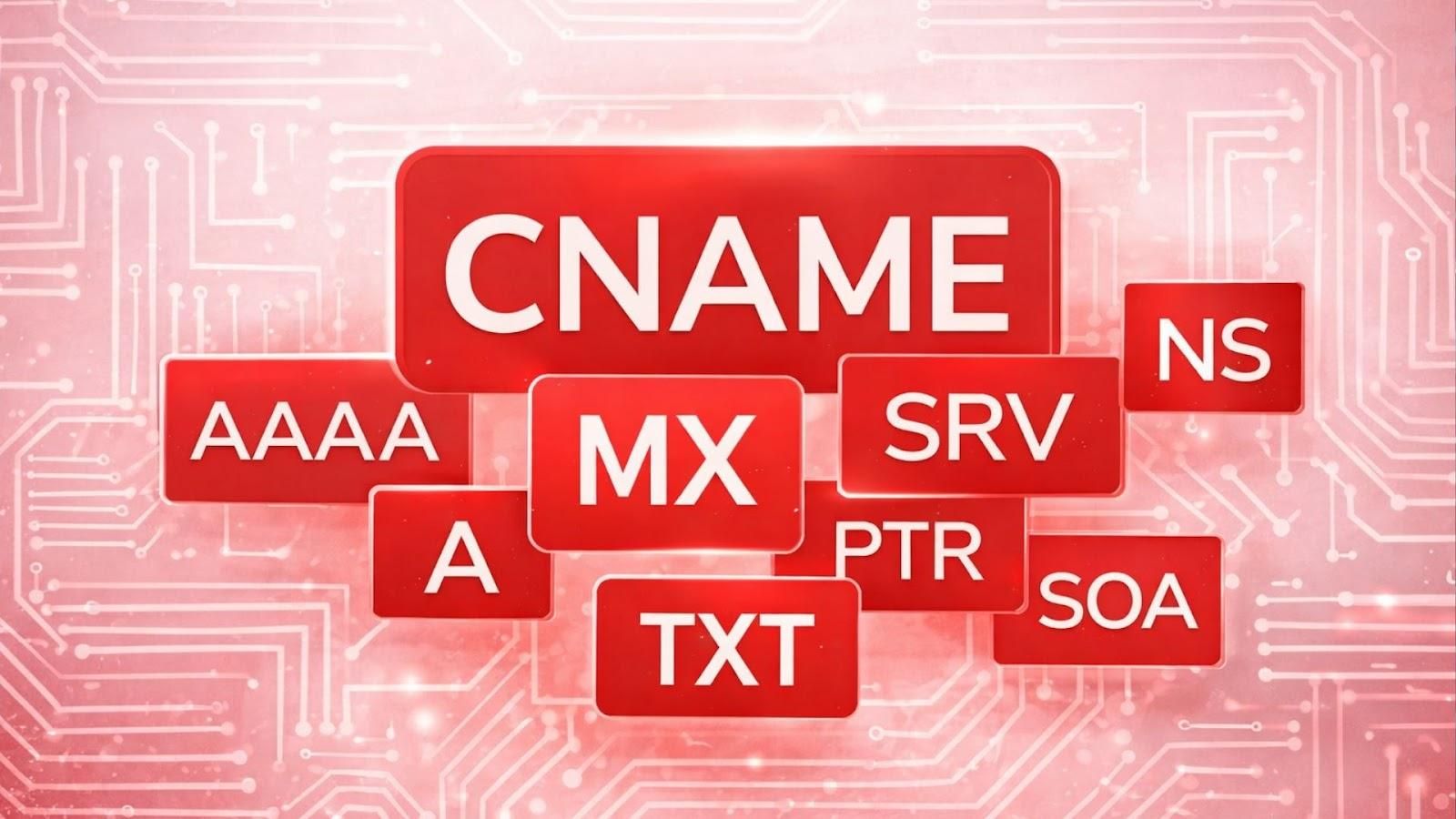
- A record: An A record maps a domain or subdomain to a specific IPv4 address. This is the most basic and widely used record for connecting a domain to a web hosting server.
- AAAA record: An AAAA record functions similarly to an A record but points the domain to an IPv6 address, supporting the expansion of Internet address space.
- CNAME record: A CNAME record creates an alias for another domain name. Instead of pointing directly to an IP address, it points to a canonical domain, making management and configuration changes more flexible.
- MX record: An MX record specifies the mail servers responsible for handling email for a domain. It allows multiple mail servers to be defined with priority levels to ensure reliable email delivery.
- TXT record: A TXT record stores text based information and is commonly used for domain verification, security configuration, or defining policies related to email and other services.
- NS record: An NS record specifies the authoritative DNS servers for a domain. This record tells the DNS system which servers should be queried when resolving the domain.
Proper and complete DNS record configuration ensures that the Domain Name System operates accurately and reliably. It also provides a critical foundation for the effective operation of websites, email, and Internet services.
9. Why is DNS a critical component of the Internet?
DNS is considered a core foundation of the Internet, acting as the intermediary that connects users to online services. Before a website loads, an email is sent, or an application connects to a server, DNS is always the essential first step.
9.1. Page load performance
DNS directly affects the initial response time when users access a website. A well designed and optimized DNS system enables fast domain resolution, reducing latency before the browser begins loading content. Conversely, slow DNS responses can make a website appear unresponsive even when the server itself is operating normally.
9.2. System stability
DNS plays a vital role in ensuring continuous availability of websites and online services. When a server or network path encounters an issue, DNS can redirect queries to backup servers, minimizing disruption and maintaining system availability.
9.3. Service routing capability
DNS does more than return a fixed IP address. It can intelligently route traffic based on user location, system load, or service type. This capability forms the foundation of modern infrastructures such as CDN, cloud platforms, and global content delivery systems.
9.4. Information security level
DNS contributes significantly to protecting users and systems from Internet threats. Through authentication mechanisms, query control, and anomaly detection, DNS helps reduce risks such as domain spoofing, malicious redirection, and phishing attacks, thereby increasing overall Internet safety.
A single DNS related incident can make a website unreachable even if the server is still running. This clearly shows that DNS is a critical link that determines performance, stability, and security across the entire Internet ecosystem.
FAQ - Frequently asked questions about DNS
1. What is DNS and what is it used for?
DNS is a domain name resolution system that converts website names into IP addresses so computers can connect to the correct servers. Thanks to DNS, users do not need to remember complex numerical IP addresses when browsing the Internet.
2. How is a DNS server different from a web server?
A DNS server is responsible only for resolving domain names, while a web server stores and delivers website content. DNS helps the browser locate the correct web server before data is loaded and displayed to the user.
3. Does the Domain Name System affect website speed?
Yes. DNS affects the initial query time when users access a website. A stable DNS system with effective caching reduces latency and improves page load speed.
4. What is DNS cache?
DNS cache is temporary storage of DNS resolution results for a defined period. With DNS cache, subsequent visits do not require querying the entire DNS system again, resulting in faster access.
5. What happens if DNS encounters an issue?
When DNS fails, users may be unable to access a website even if the server is still running. The browser cannot find the IP address associated with the entered domain name.