1. What is SaaS?
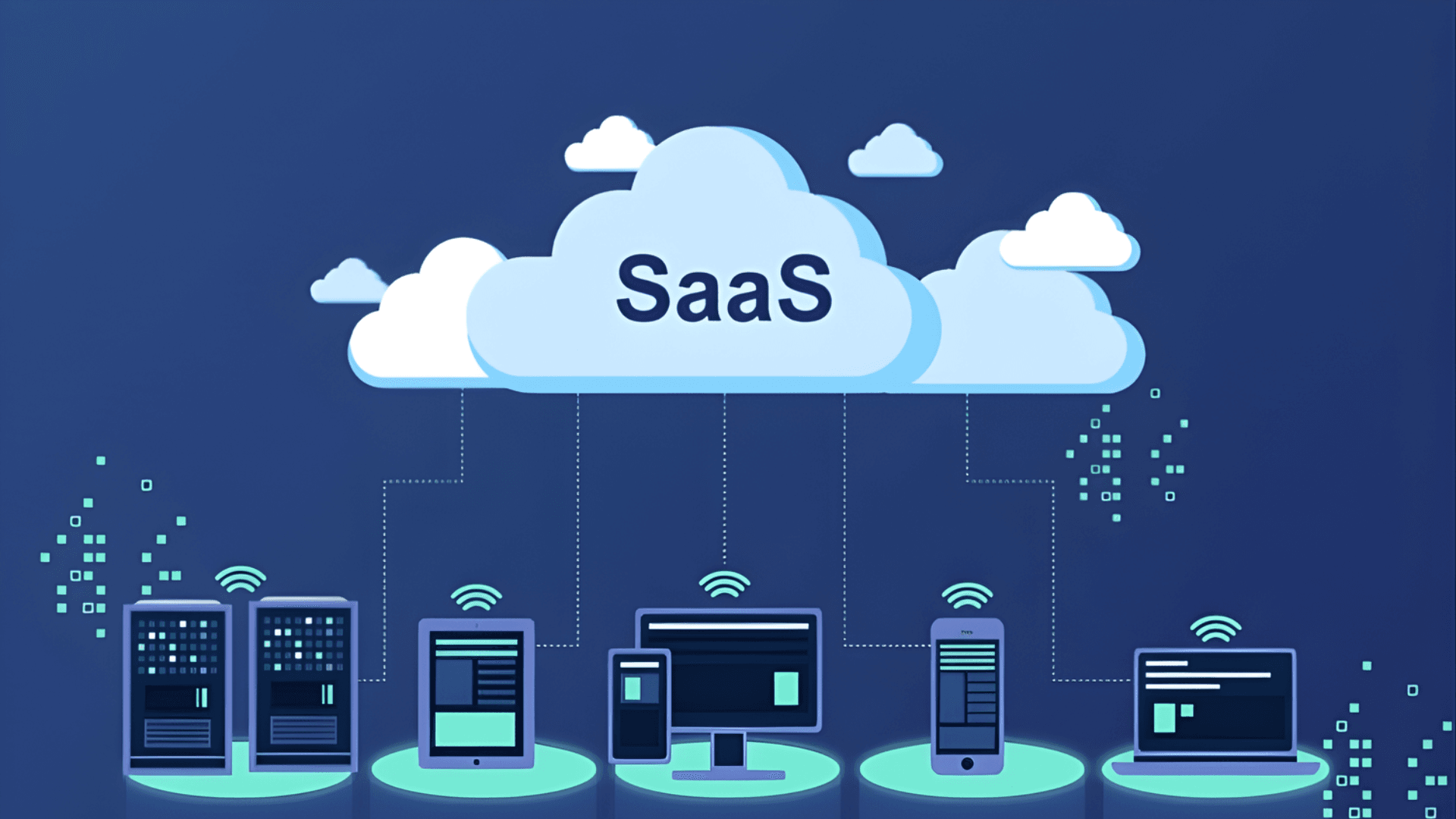
SaaS (Software as a Service) is a software delivery model provided over the internet on a subscription basis. Users access applications directly through a browser without needing to install or manage any infrastructure. The provider handles everything: servers, security, updates, and data backups.
Rather than purchasing a software license and installing it on individual devices, businesses subscribe to SaaS on a monthly or annual plan. Users only need an internet connection to access the software instantly from any device, anywhere in the world.
SaaS is one of three core service models in cloud computing, alongside IaaS (Infrastructure as a Service) and PaaS (Platform as a Service). The model emerged in the 1990s alongside the growth of high-speed internet and has since been adopted across virtually every industry, from accounting and customer relationship management to security and online meetings.
The core of SaaS lies in its multi-tenant architecture: a single software instance serves multiple customers simultaneously, with each customer maintaining their own isolated, secure data space. This allows providers to optimize operational costs and continuously improve the product without disrupting the service for individual customers.
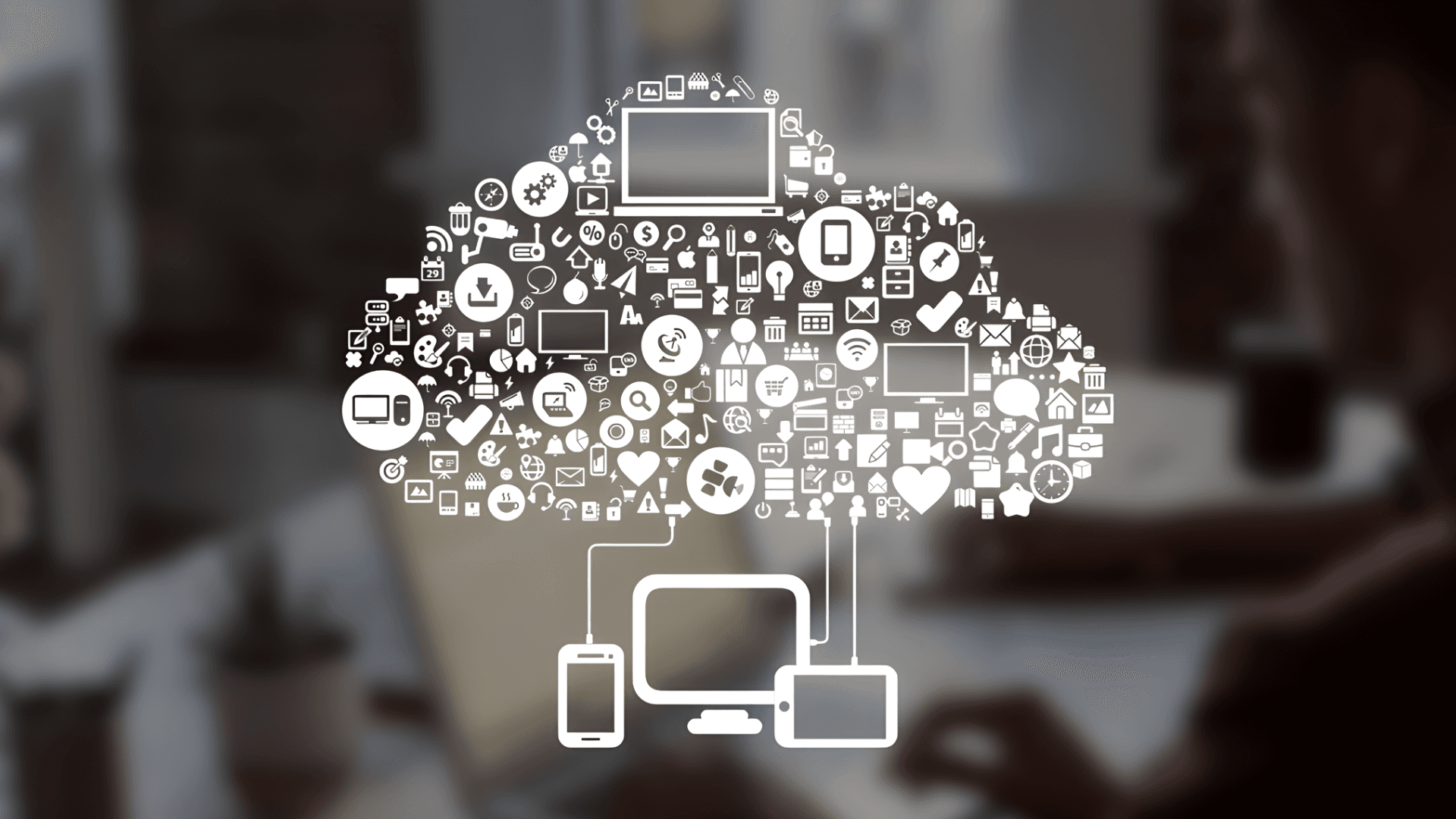
2. How does SaaS work?
SaaS operates on a cloud computing foundation: all software, data, and processing logic reside on the provider's servers, while users interact only through a browser interface or mobile application.
2.1. Multi-tenant architecture
Multi-tenant architecture allows a single software system to serve multiple customers (tenants) simultaneously. Each tenant has its own data and configuration, completely isolated at the logical level even though they share the same physical infrastructure. This model allows SaaS providers to significantly reduce operational costs compared to maintaining a separate system for each customer.
2.2. Browser and API access
SaaS users access software through a web browser (Chrome, Firefox, Edge, etc.) or a mobile application synced in real time. Most modern SaaS platforms also provide APIs, enabling integration with a business's internal systems or the extension of features to meet specific requirements.
2.3. Subscription-based pricing
SaaS is typically billed on a subscription model: monthly or annual fees based on the number of users, storage capacity, or features used. Businesses can upgrade or downgrade their service plan flexibly to match their actual scale without signing a long-term contract.
3. SaaS vs. PaaS vs. IaaS: key differences
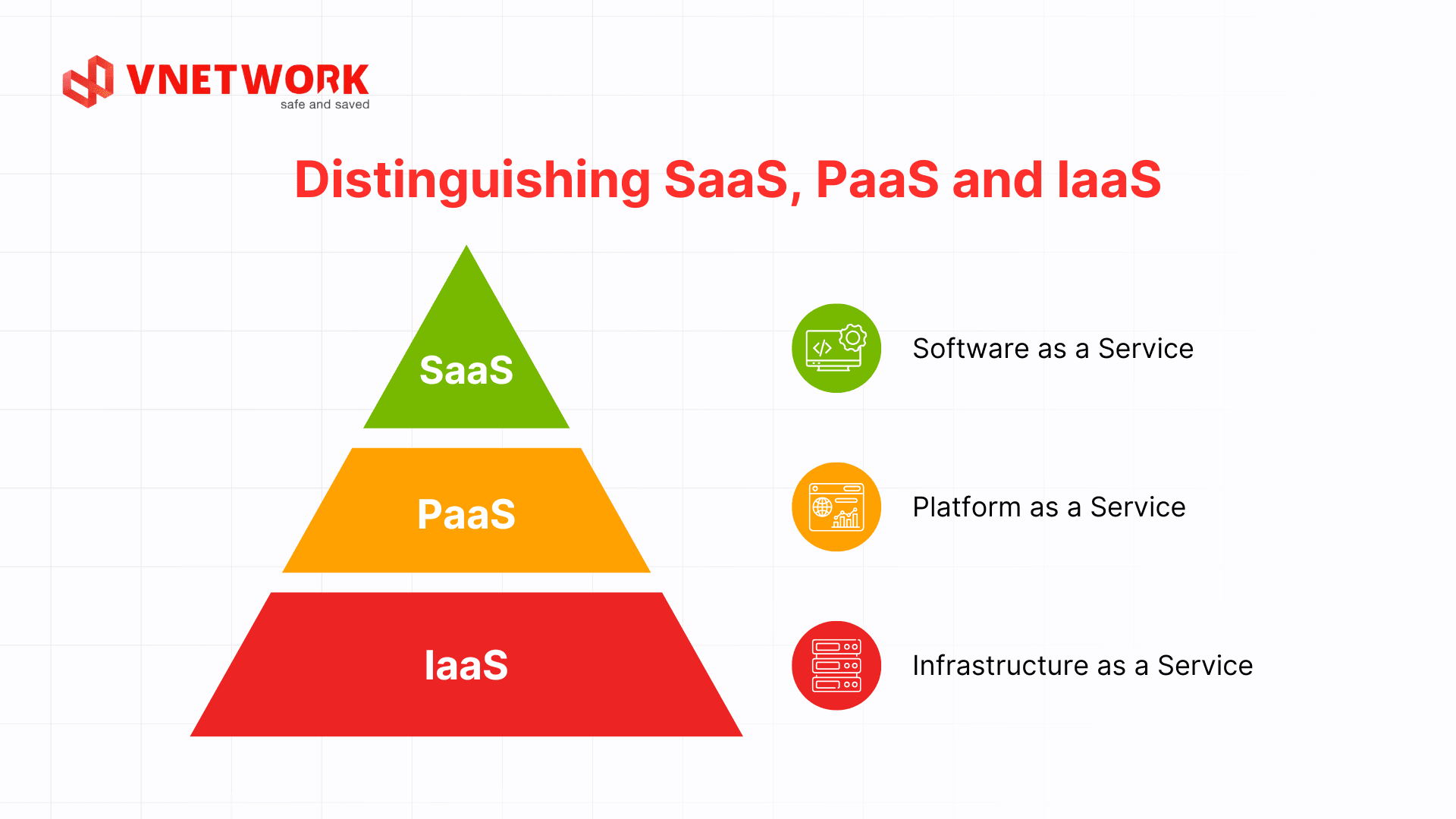
The three models IaaS, PaaS, and SaaS all belong to the cloud computing ecosystem, but serve different audiences and requirements. Understanding their differences helps businesses select the right solution from the start, avoiding costly mistakes or expensive migrations later.
IaaS (Infrastructure as a Service) delivers IT infrastructure over the internet on a subscription basis, including virtual servers, networking, and storage. Users have full control over the operating system, software, and infrastructure configuration, while the provider manages the underlying physical hardware. IaaS is well-suited for DevOps teams that need a flexible environment to deploy custom applications or run bare metal servers for high-performance workloads.
PaaS (Platform as a Service) provides a cloud-based software development platform, including programming environments, testing tools, databases, and automated deployment capabilities. The provider manages all underlying infrastructure, allowing developers to focus solely on writing code and building features. PaaS is the ideal choice for development teams that want to accelerate time-to-market without managing hosting or configuring infrastructure.
The core distinction lies in the level of control and operational responsibility. IaaS grants maximum control but requires the highest technical expertise. PaaS balances development flexibility with simplified operations. SaaS eliminates the technical burden entirely so users can focus on core work. In practice, many businesses combine all three models depending on their specific needs.
| Criteria | IaaS | PaaS | SaaS |
| Infrastructure management | User manages independently | Provider manages infrastructure layer | Provider manages everything |
| Software installation | Requires manual configuration | Requires partial configuration | No installation needed |
| Primary users | IT, DevOps | Developers | End users, businesses |
| Typical examples | Cloud, physical servers, data centers | Application development platforms | CRM, email, accounting, security |
4. Benefits of SaaS for businesses
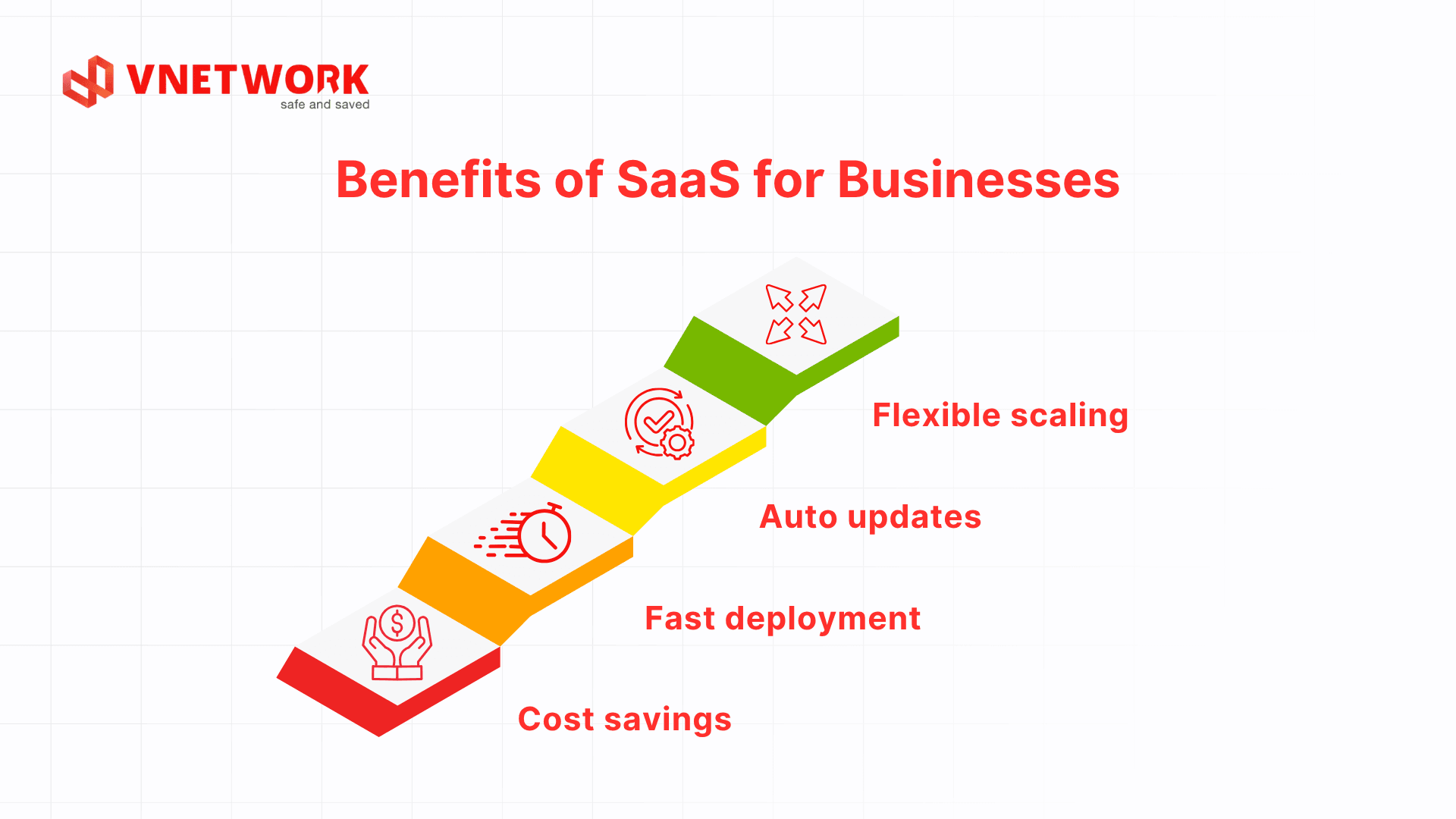
The SaaS model offers clear competitive advantages over traditional software, particularly as businesses seek flexibility and resource efficiency:
4.1. Lower upfront investment
With SaaS, businesses avoid purchasing expensive software licenses, buying servers, or hiring infrastructure staff. Costs shift to a flexible subscription model, enabling small businesses to access enterprise-grade tools on a limited budget.
4.2. Fast deployment, immediate use
Businesses can register and start using SaaS software within minutes, with no installation, server configuration, or system testing required. This is a significant advantage when a solution must be deployed quickly or when trialing a new tool before a long-term commitment.
4.3. Automatic updates and maintenance
SaaS providers handle all software updates, security patches, and feature upgrades. Users always work with the latest version without any manual steps, freeing the technical team to focus on core tasks rather than system administration.
4.4. Flexible scalability
As a business grows, SaaS allows service plan upgrades or the addition of users with just a few clicks in the admin console. The ability to scale resources based on actual demand helps businesses avoid waste during low-traffic periods and maintain performance during peak seasons.
5. Limitations of the SaaS model to consider
Despite its many advantages, SaaS has several limitations that businesses should carefully evaluate before adopting:
5.1. Dependence on internet connectivity
SaaS operates entirely online, so any internet disruption prevents users from accessing the system. This is a significant risk for businesses in areas with unstable network infrastructure or those that require continuous availability.
5.2. Security and data control concerns
When using SaaS, business data is stored on the provider's servers. This raises questions about data ownership, information security policies, and compliance with legal regulations such as Vietnam's Law on Network Information Security. Businesses should review the terms of service and choose providers with reputable cloud security certifications.
5.3. Long-term subscription costs may exceed a one-time purchase
For software that changes infrequently and is used consistently over many years, accumulated subscription fees may eventually exceed the cost of a one-time license. Businesses should calculate the total cost of ownership (TCO) over a 3 to 5-year horizon to make an informed decision.
6. Popular SaaS applications today
SaaS software is present in virtually every area of business operations. Below are the most widely used SaaS application categories:
| Application Category | Function | Brief Description |
| CRM | Customer relationship management | Track leads, transaction history, and post-sale support |
| Email & collaboration | Internal communication | Send/receive emails, online meetings, real-time document sharing |
| Accounting & finance | Business financial management | Automated invoicing, tax reporting, and cash flow tracking |
| Cloud storage | Backup & file sharing | Securely store, sync, and share documents across devices |
| Security & cybersecurity | System protection | Real-time threat monitoring, access management, and intrusion detection |
In the security and cybersecurity category, cloud storage combined with SaaS security solutions helps businesses comprehensively protect cloud-stored data. This deployment approach is widely adopted in the finance, healthcare, and e-commerce sectors in Vietnam.
7. Which businesses are best suited for SaaS?
SaaS is suitable for organizations of virtually any size, but delivers the greatest value for the following groups:
- Small and medium-sized enterprises (SMEs) without a dedicated IT team: SaaS eliminates the need to hire infrastructure engineers, giving SMEs access to enterprise-grade technology at an affordable cost.
- Startups and product development teams: SaaS enables fast product launches and market expansion without upfront infrastructure investment.
- Businesses operating remotely or across multiple branches: SaaS ensures employees at every location access the same system, with data synced in real time.
- Organizations undergoing digital transformation: SaaS is the ideal starting point for businesses looking to digitize operations without overhauling their existing IT infrastructure.
Conversely, organizations with extremely high security requirements, such as banks, government agencies, or businesses handling sensitive data, may need to combine SaaS with Private Cloud or Hybrid Cloud solutions to ensure maximum data control.
8. Why choose VNETWORK for building SaaS applications?
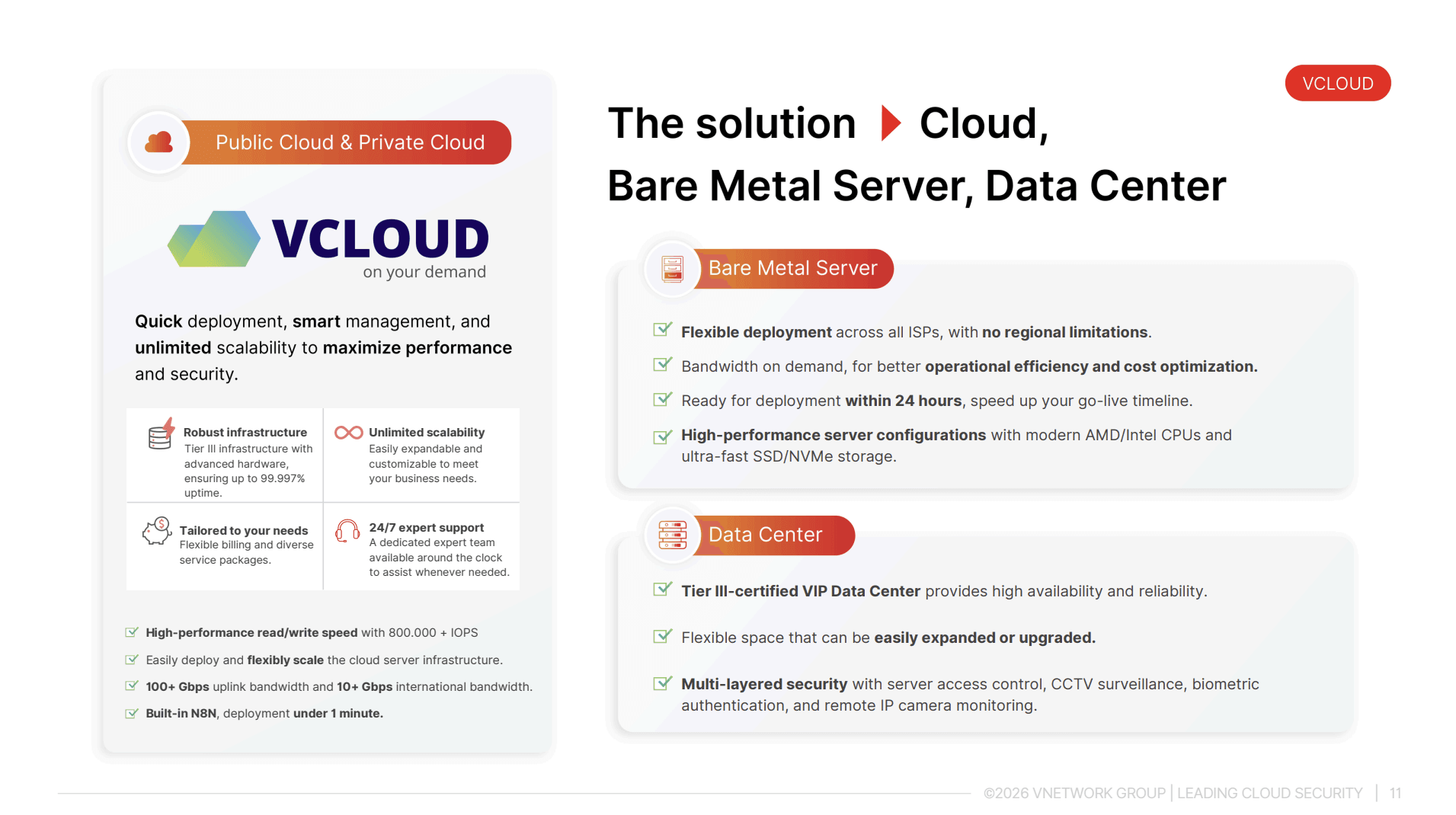
Building and operating a SaaS application requires a cloud infrastructure platform that is powerful, flexible, and reliable. VCLOUD is the cloud computing solution from VNETWORK, developed specifically to meet these requirements.
VCLOUD operates on data centers certified to Tier III standards, ensuring high uptime and continuous operation. VCLOUD's high-speed storage infrastructure supports SaaS applications with heavy traffic, such as e-commerce platforms, fintech services, online education systems, and business management tools. Notably, data is hosted in Vietnam, helping businesses comply with domestic regulations on data storage and protection.
Key VCLOUD features that directly support the SaaS model:
- Flexible cloud that scales CPU, RAM, and storage on demand without system downtime
- Kubernetes support for efficient container deployment and management, ideal for the microservices architectures common in modern SaaS
- Built-in multi-layer security: Firewall, Security Groups, two-factor authentication (2FA), compliant with ISO 27001
- 24/7/365 technical support with a dedicated team for prompt incident response, suitable for high-availability SaaS applications
- Automatic load balancing that distributes traffic to maintain stable SaaS performance even during peak hours
VCLOUD is well-suited for tech startups building their first SaaS product, SMEs needing stable cloud infrastructure at a reasonable cost, and software developers who want to launch SaaS applications quickly without managing infrastructure. With data centers in Vietnam and a support team familiar with the local market, VCLOUD is a reliable foundation for building a sustainably growing SaaS platform.
9. Conclusion
SaaS is a flexible, cost-efficient, and easy-to-deploy software service model suited for businesses of all sizes undergoing digitization. By removing the burden of infrastructure management, SaaS allows businesses to concentrate resources on product development and customer service. To ensure a SaaS application operates stably, securely, and at scale, selecting the right cloud infrastructure platform is a critical factor.
FAQ - Frequently asked questions about SaaS
1. What does SaaS stand for?
SaaS stands for Software as a Service, referring to software delivered as a service over the internet. Users access SaaS software through a browser without installing or managing any infrastructure; the provider handles all operations and system maintenance.
2. How is SaaS different from traditional software?
Traditional software requires a one-time license purchase, installation on each machine, and self-managed updates. SaaS, by contrast, is accessed over the internet on a subscription basis, updates automatically, and requires no installation. SaaS is more flexible in cost and deployment, but depends on internet connectivity and the provider's policies.
3. Is business data safe when using SaaS?
The level of security depends on the SaaS provider. Businesses should choose providers with internationally recognized certifications such as ISO 27001, clear data encryption policies, and infrastructure hosted in Vietnam to comply with domestic legal requirements. Carefully review the terms of service regarding data ownership before signing a contract.
4. How is SaaS pricing calculated?
SaaS pricing is typically based on a monthly or annual subscription, determined by the number of users, storage capacity, or features used. Many SaaS providers offer free tiers with limited functionality so businesses can evaluate the product before upgrading to a paid plan.
5. Should small and medium-sized businesses use SaaS?
Yes. SaaS is especially well-suited for SMEs because it requires no large upfront investment, no dedicated IT team, and scales flexibly with business growth. Many SaaS tools designed for SMEs offer affordable pricing and user-friendly interfaces that teams can adopt quickly.